
Discover, Connect, Preserve Memories

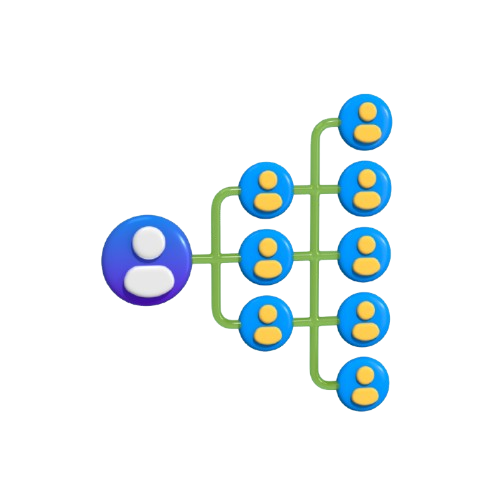
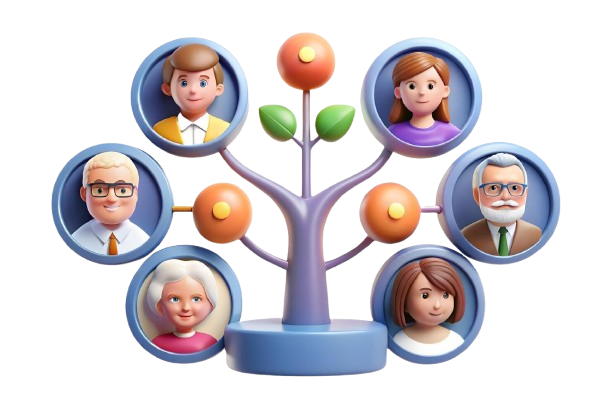
Welcome to a world where your family memories come to life. Create personalized family trees, upload photos or custom avatars, and explore your unique journey through time. Preserve your legacy, share stories with loved ones, and relive the moments that define your life.

about-one about-two about-three about-four

Build Your Family Tree, Step by Step

step-one

Step 1

Register Yourself

Enter your name, email, and select an avatar or upload an image to start building your family tree.

about-five

Step 2

Add Your Family

Add family members by choosing their relation, entering their name, and selecting an avatar or uploading an image.

about-six

Step 3

Preview Your Family Tree

Preview your family tree and make sure every member, name, and image is just right before sharing or saving.

about-seven

Step 4

Share & Enjoy

Share your family tree with loved ones to cherish your memories. Explore and enjoy the stories of others in the community.

Frequently Asked Questions

1. What is Memrot?

Memrot is a unique platform where users can register and create their own family trees. Users can build multiple trees, upload custom images, or use our built-in avatars. It is designed to help families preserve memories and explore their roots.

2. How can I create a family tree?

After registering, you can create a new family tree by entering details of your family members. You can customize each member’s profile with images, avatars, and personal stories to make your family tree unique.

3. Can I upload my own images?

Yes! Memrot allows users to upload custom images for family members or use our built-in avatar collection. This makes your family tree visually appealing and personalized.

4. How can I share my family tree?

Once your tree is ready, you can share it with friends and family using a unique share link. This allows everyone in your family network to explore and enjoy your shared memories.

5. What is the Explore page?

The Explore page showcases family trees, comic stories, and animated stories created on Memrot. In the future, users will also be able to add and customize their own content for the community to explore.

6. Can I create multiple trees as a single user?

Yes! Memrot allows a single user to create multiple family trees. This is perfect for users who want to explore different branches of their family or create themed trees for special events.

7. Are Memrot avatars customizable?

Memrot provides over 100 ready-to-use avatars for your family members. While these avatars are not individually customizable, you can upload your own images to represent family members, giving your family tree a personal touch.

8. Will Memrot support custom content in the future?

Yes, in future updates, users will be able to create and upload custom content such as personal stories, images, and other creative materials to enhance their family trees and share with the community.

9. Is Memrot safe to use?

Memrot prioritizes user privacy and data security. Your personal family trees and content are protected and can only be shared via the unique links you generate.

10. How can I start using Memrot?

Simply register on Memrot, create your first family tree, upload images or use avatars, and start sharing your memories. Explore the platform to see stories, trees, and community content for inspiration.

Still have question?

Can't find what you're looking for? Please email us support@memrot.com

Discover, Create, and Share Your Family Memories